SqlDBM-logo-horizontal-white

What's new in SqlDBM

October 2026 product updates

October brought 15 releases to SqlDBM. Here's what's new, starting with the biggest.
Reverse Engineer from dbt manifest

Featured

Build your model straight from a dbt manifest

Upload a dbt manifest through the UI or the API, and SqlDBM creates or updates the matching tables and views. dbt properties sync on every upload, so your model and your dbt project stay in step.

Also for dbt teams: YAML generation can now split Source and Model YAML into one file each, follow the folder paths from your manifest, and show a preview before you push to Git.

Read the docs →

LIVE DEMO · TUESDAY, NOV 3 · 9:00 AM PT

Ship dbt Models Faster: Let the Model Do the Boring Parts

See manifest import and YAML generation on a real project, then bring your questions for the team.

Set it once, apply everywhere

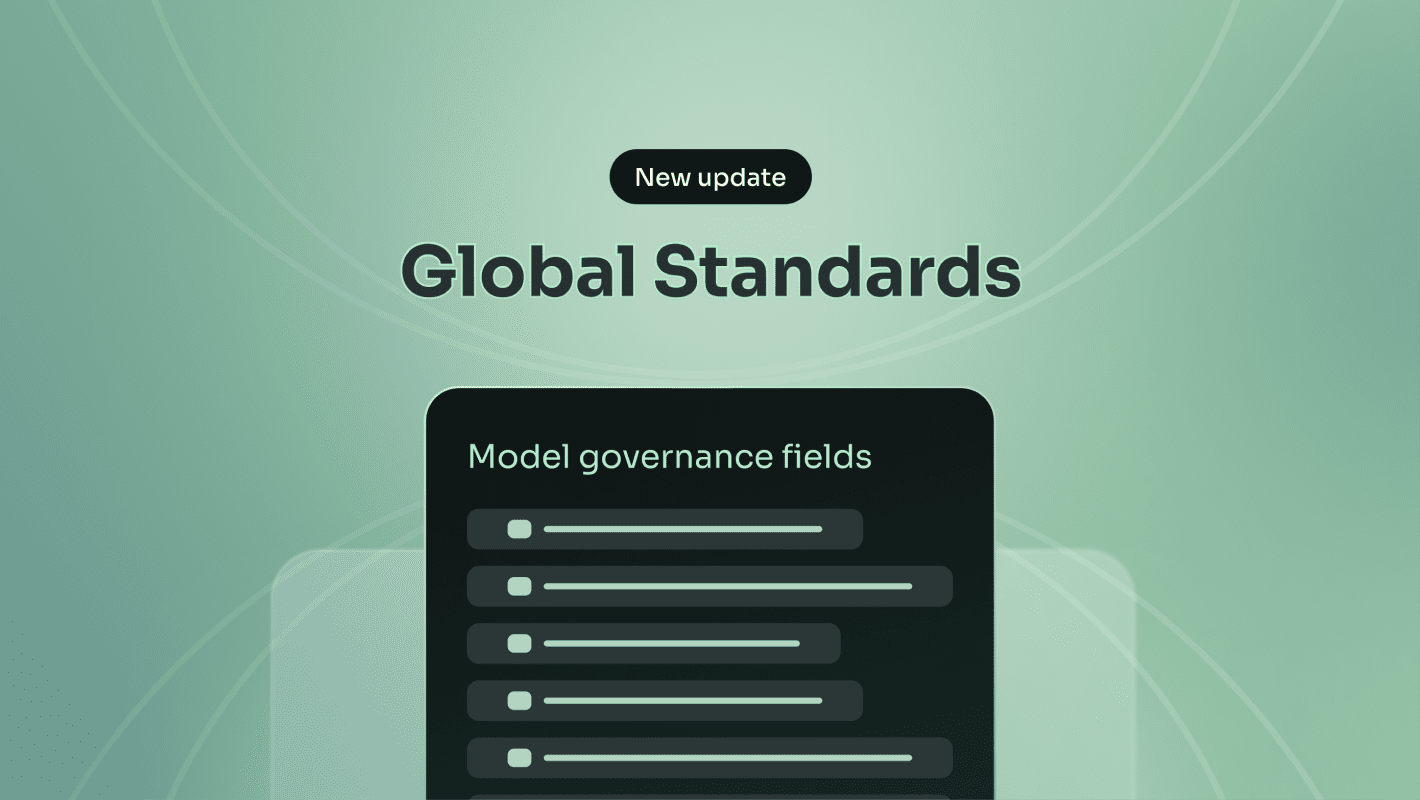
Global Standards, upgraded

Global Standards, upgraded

New projects inherit standards automatically. Governance fields, color labels and data type mappings are shared too, and you can compare Global Standards revisions.

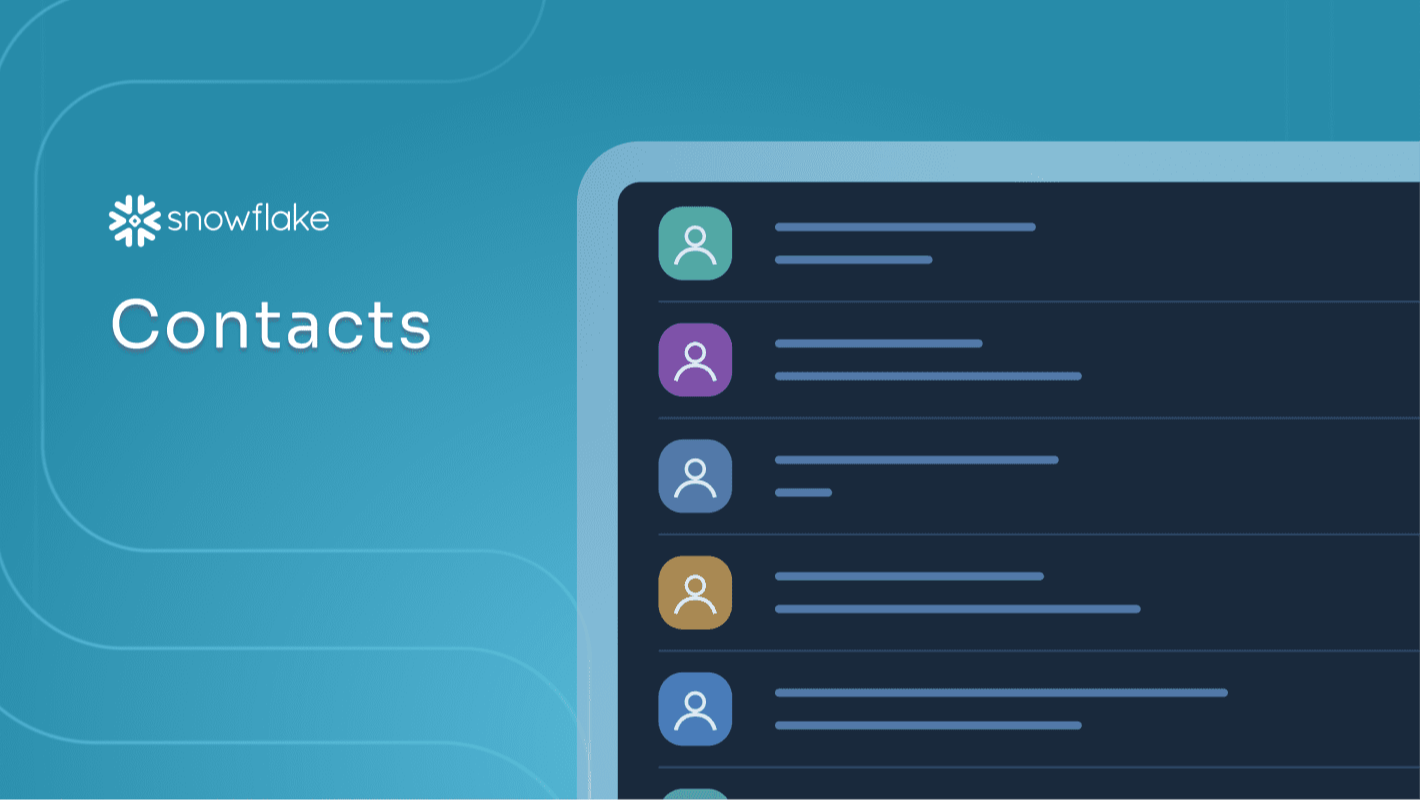
Ownership synced with Snowflake

Ownership synced with Snowflake

Push ownership contacts to Snowflake, or bring them in when you reverse engineer. Choose per field whether it generates DDL or stays documentation-only.

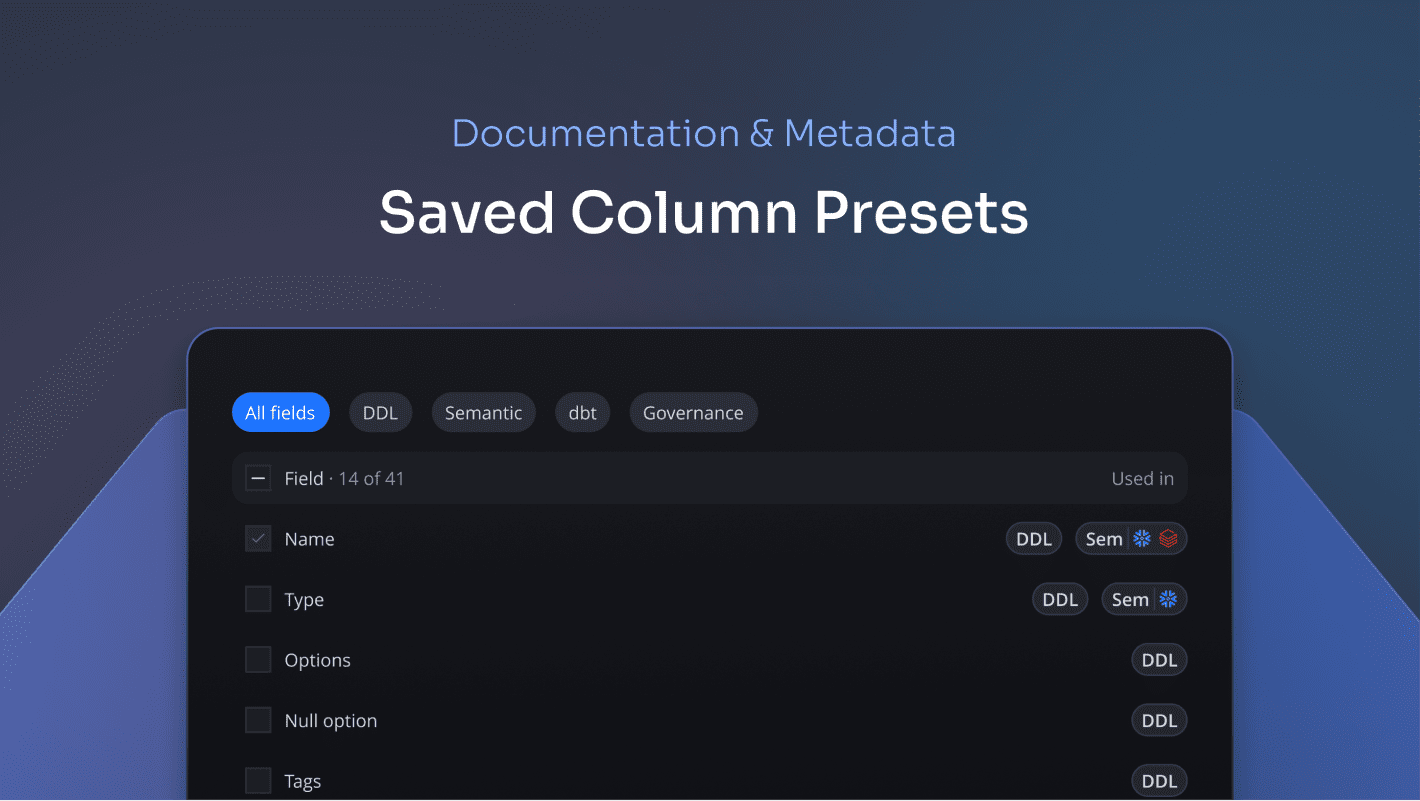
Saved column presets

Saved column presets

Save the documentation and metadata fields you use most, then apply them in one click.

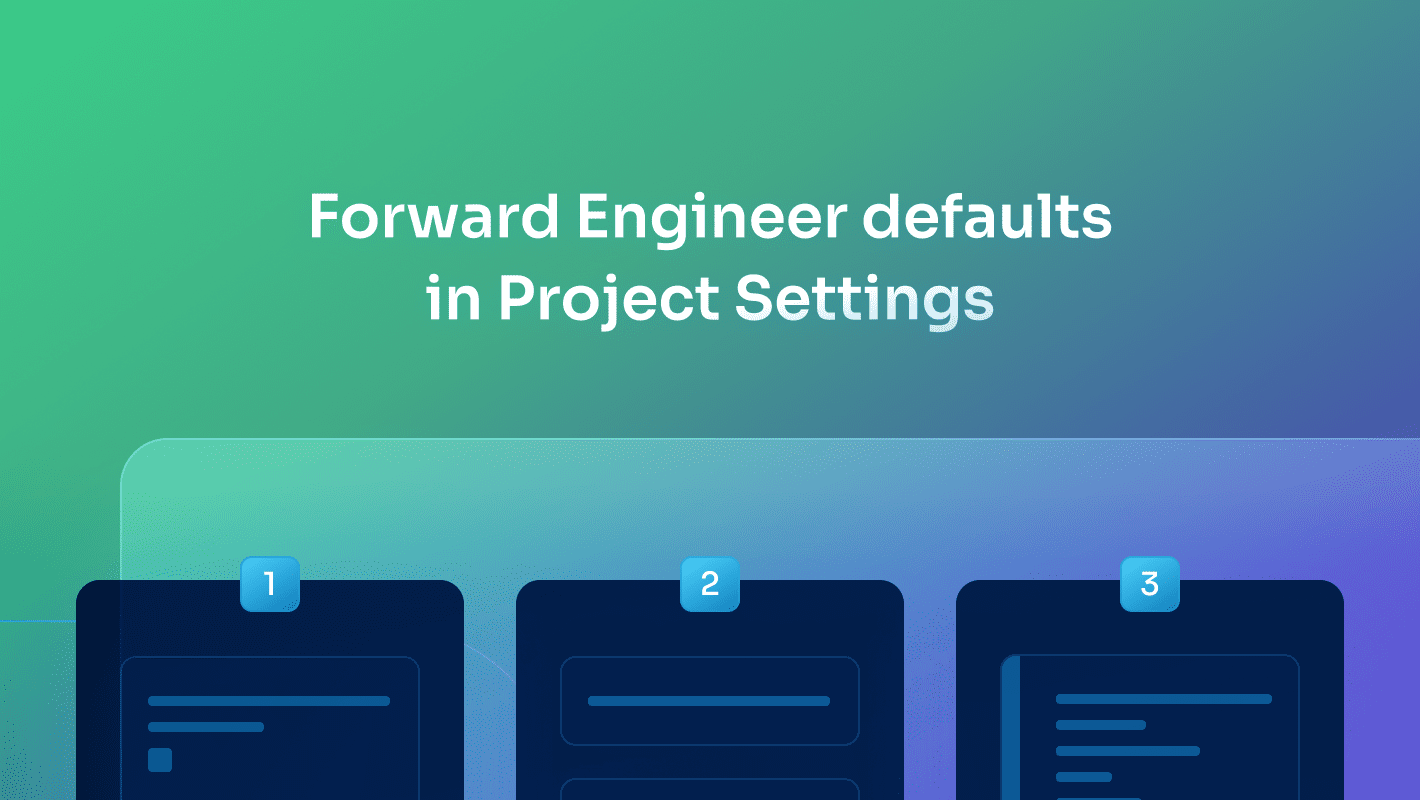
Forward Engineer defaults

Forward Engineer defaults

Set your default action, safe scripts and quoting once in Project Settings, with per-object overrides.

Semantic models, wherever they need to go
Ossie semantic models

Ossie semantic models

Export and import semantic models as vendor-neutral Ossie YAML, in any project type.

Databricks Metric Views

Databricks Metric Views

Generate Metric Views from your project, or import existing ones with their properties.

For admins and automation

SCIM provisioning

SCIM provisioning

Provision users, roles and seats automatically from Okta or Microsoft Entra ID.

POST API to Main

POST API to Main

Create revisions directly on Main of a concurrent-working project, with approval status, comments and flags.

Also new

✓

Dark mode on the Dashboard

One theme setting now covers the whole app.

✓

Custom icons for logical projects

Use a source system's logo so each project is easy to spot.

✓

Export only what you need to Excel

Limit an export to a subject area, selected diagrams or chosen objects.

See every release in the changelog →

Worth a read: AI and your data model

SqlDBM on Medium · 9 min read

From Copilots to Agents: When AI Starts Doing Data Architecture Work

Why the next step for AI in modeling is a workflow: plan, approve, build, review.

Read the post →

Serge Gershkovich on the Snowflake Medium blog

Confidently Wrong: I Let an AI Analyst Loose on Snowflake

Without a semantic model, the agent got 2 of 6 business questions right. With one, it got all 6.

Read the experiment →

Coming up

NOV

18

Webinar: Your Data Model Is Your AI's Context Layer

With Engaging Data · 8:30 AM PT

Register →

Want to see any of this on your own models?

Customers can reach the team at cs@sqldbm.com. New to SqlDBM? We'll walk you through it.

Talk to us

Some features may not be available in all plans.